What Chainbook does with your USDT and USDC wallets
Chainbook imports the USDT and USDC transfers of the public addresses you add and keeps them in one ledger, with contacts, analytics, team access and CSV export around it.
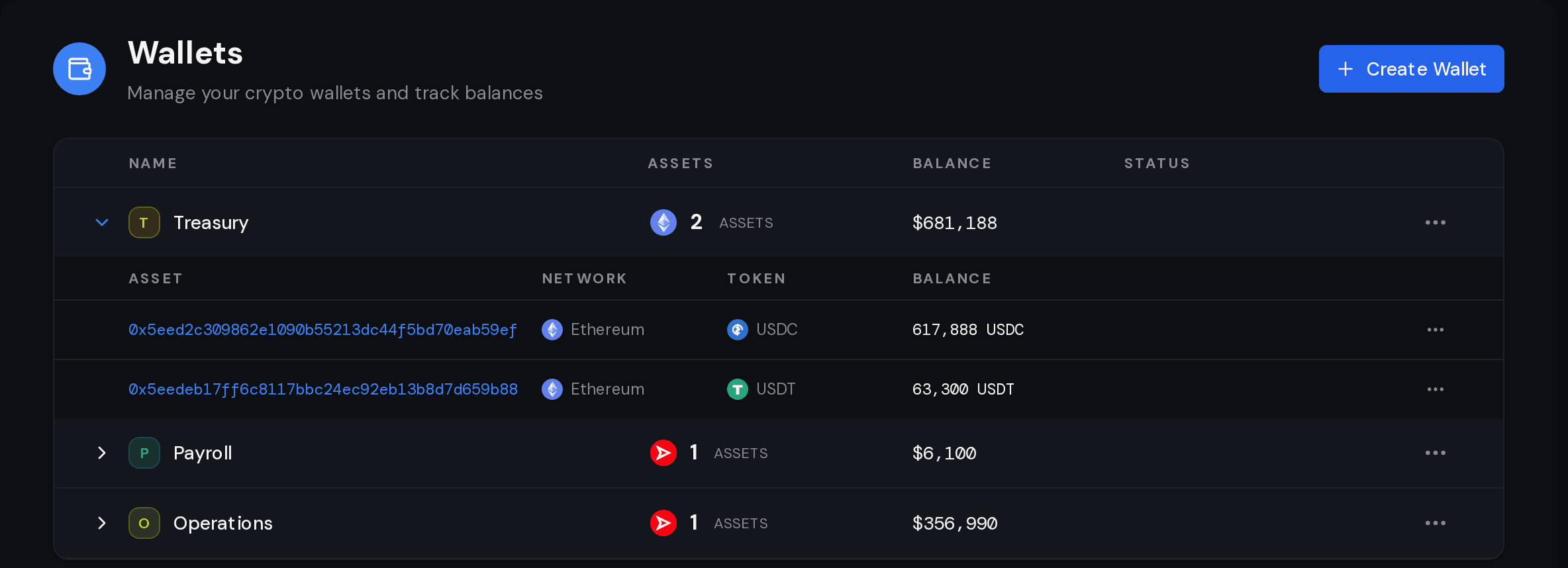
Wallet import
Add public addresses to wallets; their USDT and USDC transfers are imported and kept up to date.
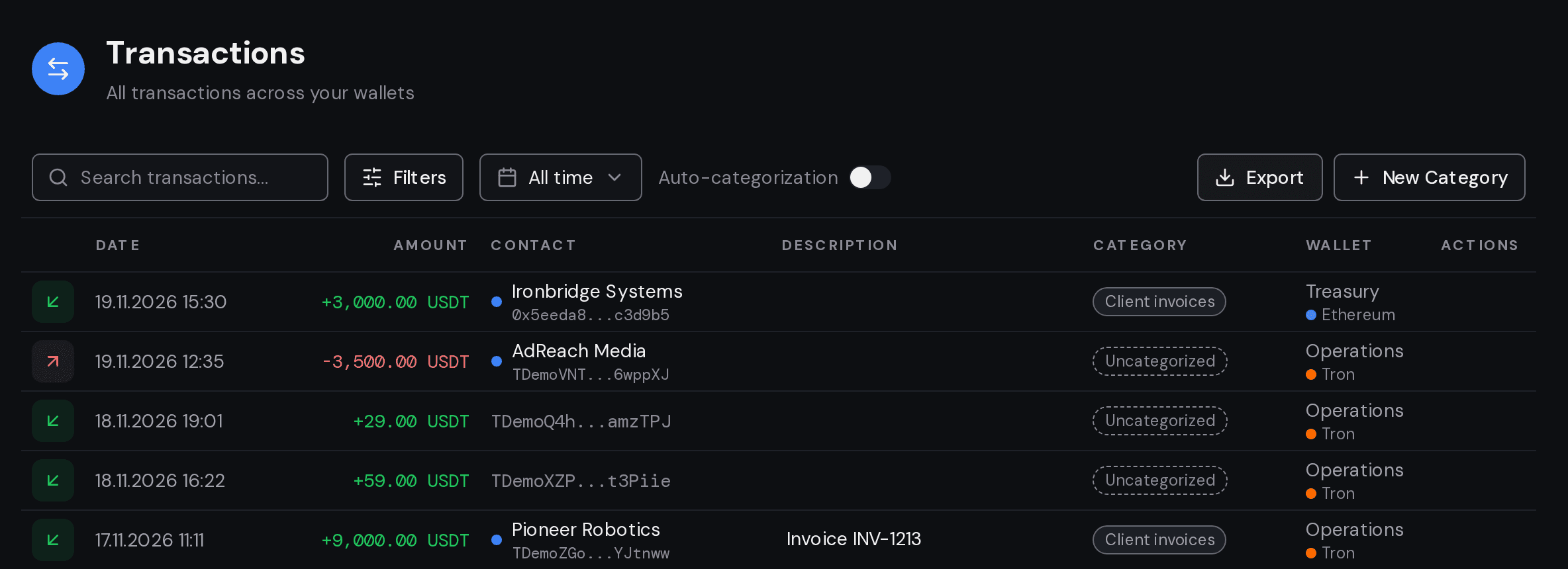
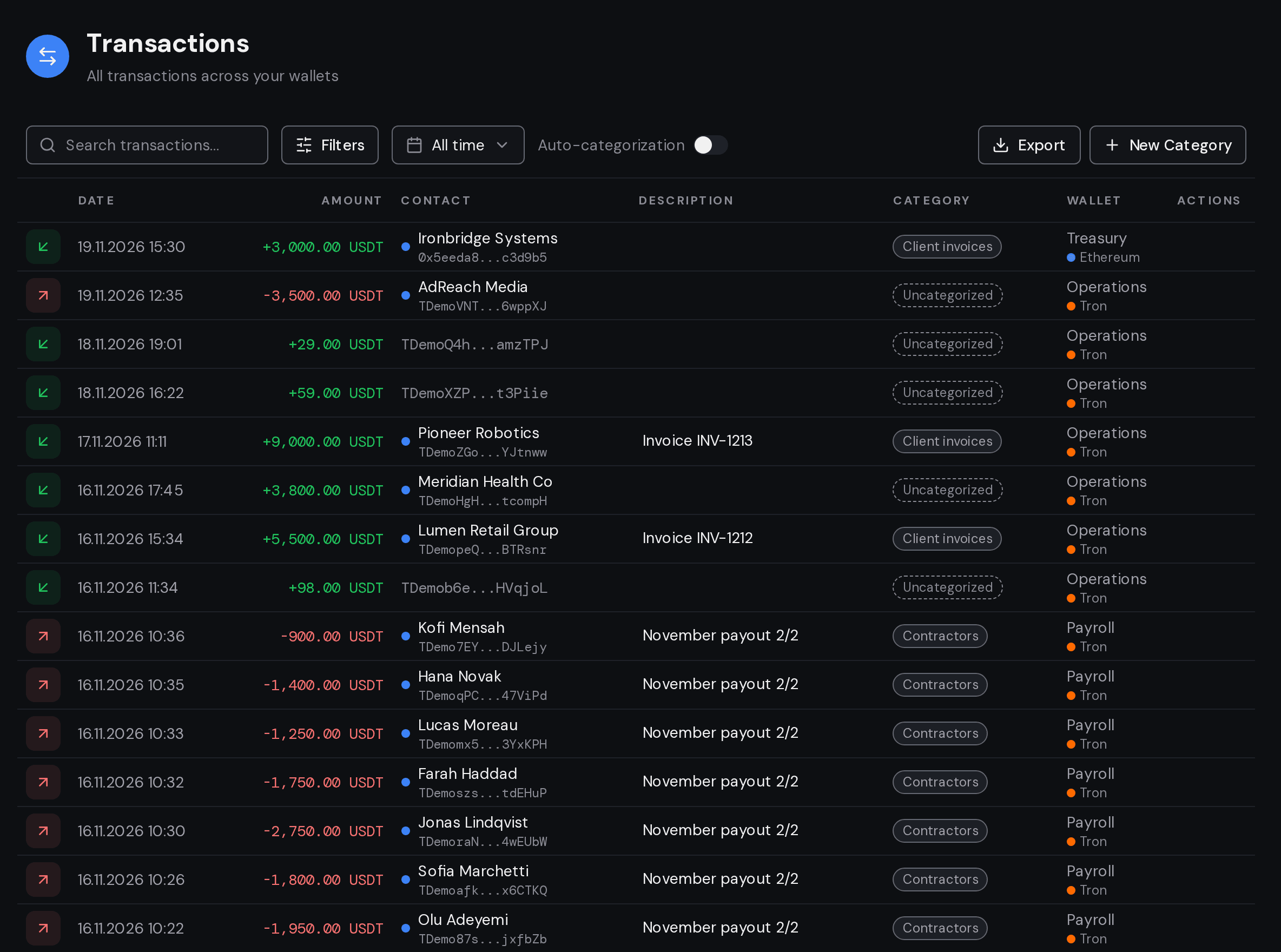
Transactions
One list of every transfer, typed as income, expense, internal transfer or swap, with search, filters, descriptions and categories.
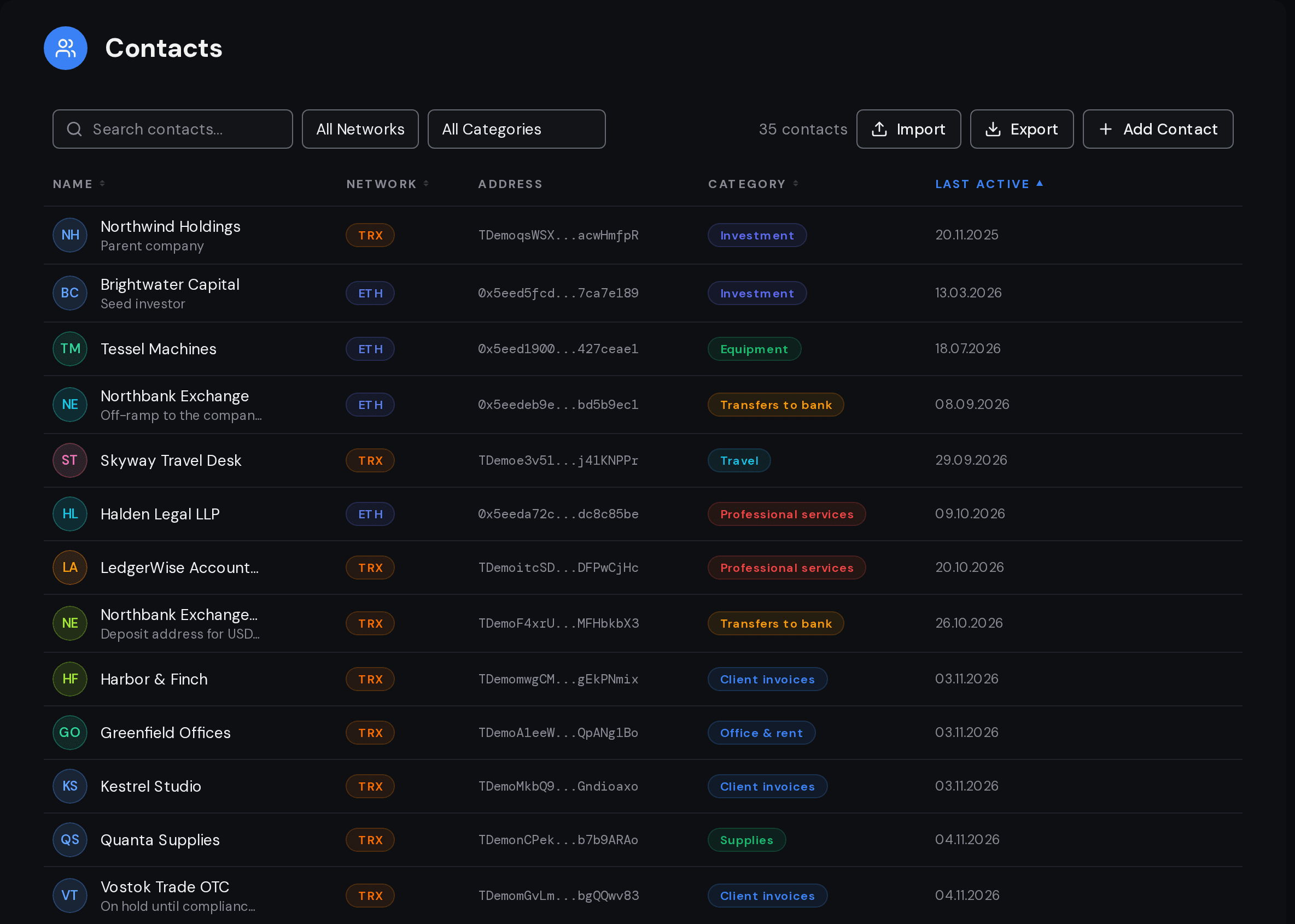
Contacts and categories
Save counterparties as contacts with a default category, and import or export them as CSV.
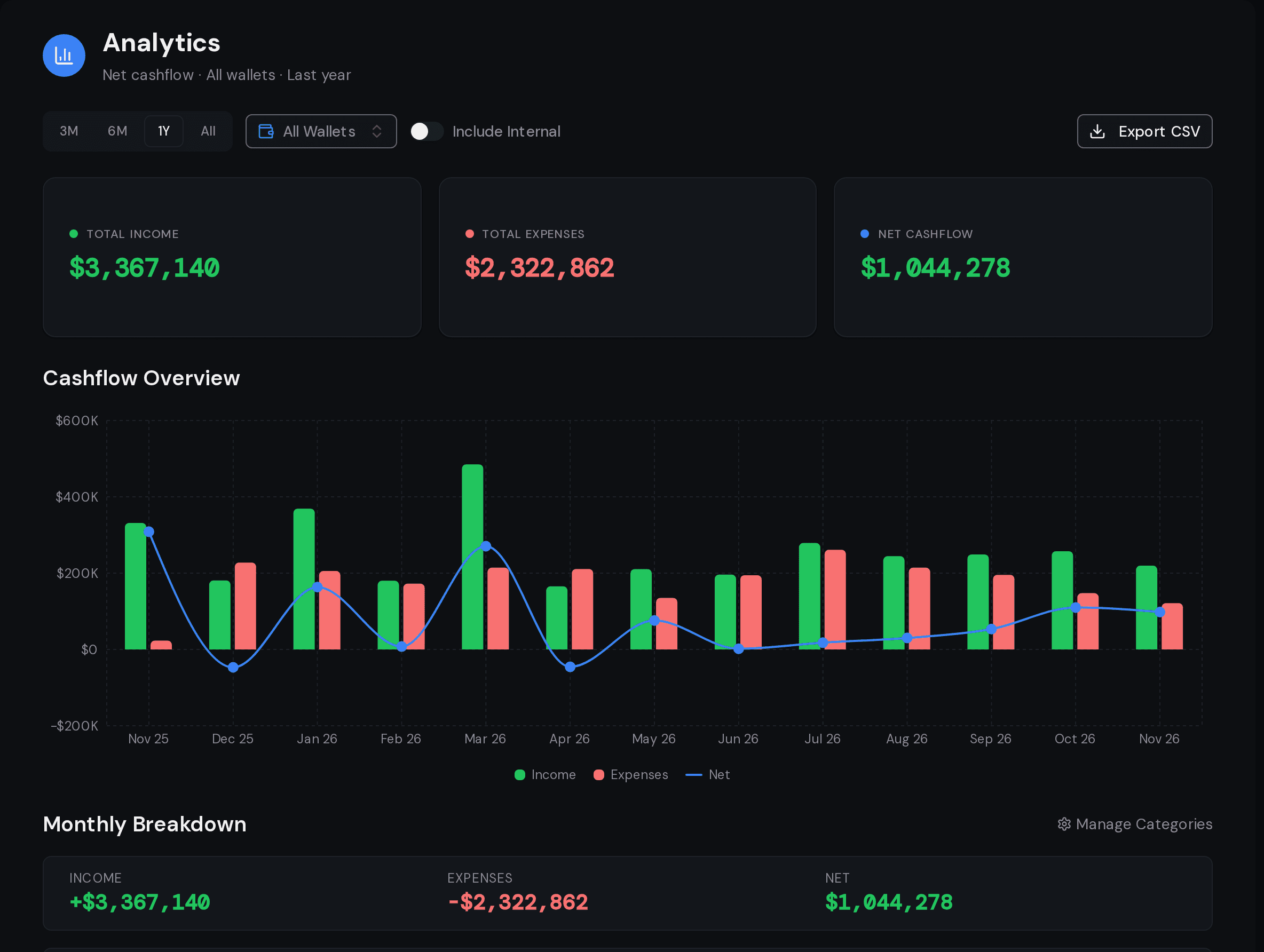
Cashflow analytics
Income, expenses and net cashflow by month, a breakdown by category, and month-end balances per wallet.
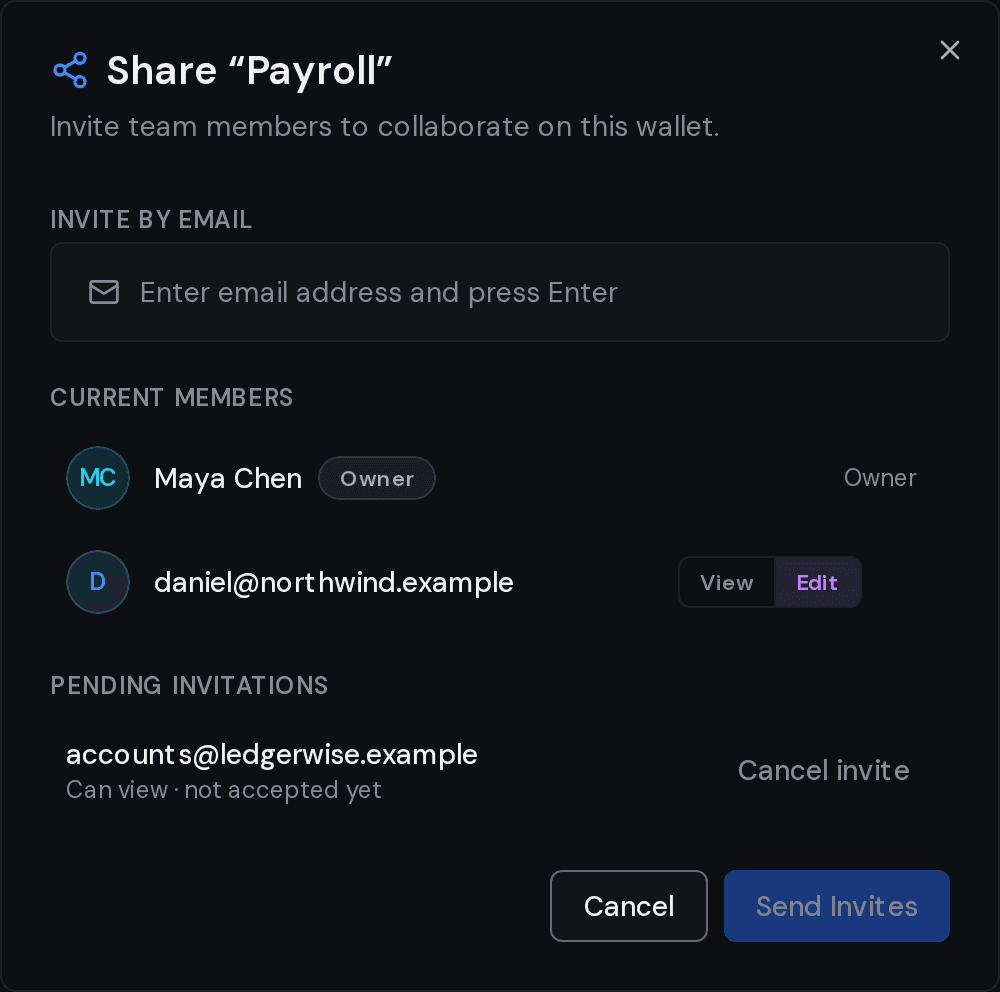
Team access
Share a wallet by email invitation, with view or edit access.
CSV export
Transactions, contacts, the wallet summary and analytics as CSV files.